%20copy%202.jpg)

Choosing the wrong landing page builder costs you conversions. Every extra second of load time, every clunky mobile experience, every missing integration chips away at your ad spend.
We tested 10 of the best landing page builders on real campaigns to compare speed, mobile UX, integrations, and pricing.
Let's dive in 👇
Top 10 landing page builders at a glance
Here's a quick snapshot of each landing page builder before we get into the detailed reviews.
| Tool | Key features | Best for |
|---|---|---|
| Perspective | Mobile-first funnels, built-in CRM, AI setup | Turning paid traffic into leads and sales |
| Carrd | One-page sites, responsive layouts | Solopreneurs who need a single static page |
| involve.me | Quizzes, calculators, embedded forms | Adding interactive forms to existing sites |
| Landingi | 400+ templates, drag-and-drop editor | Small businesses starting with landing pages |
| Elementor | WordPress page builder, widgets | WordPress users editing pages visually |
| Unbounce | A/B testing, popups, sticky bars | Running split tests on existing traffic |
| Wix | Website builder with page templates | Beginners building a general website |
| Leadpages | Templates, alert bars, checkout pages | Selling low-ticket digital products |
| HubSpot | CRM with page builder included | Teams already inside HubSpot's ecosystem |
| Instapage | Heatmaps, server-side A/B testing | Enterprise teams with dedicated CRO spend |
Now let's look at how each landing page builder performs in practice.
Top 10 landing page builders: in detail
1. Perspective
At a glance
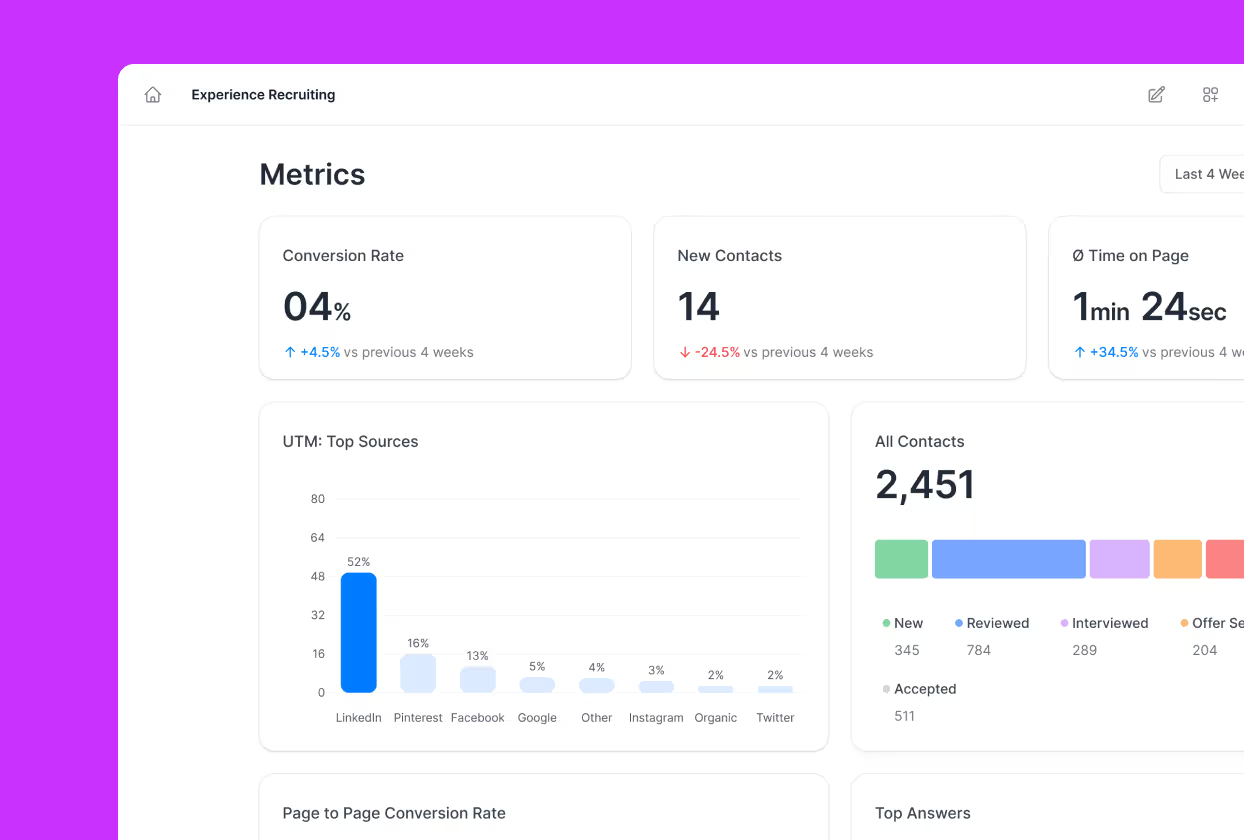
Perspective is a mobile-first landing page builder designed to turn paid traffic into leads, bookings, and sales. It combines landing pages, lead capture, CRM, messaging, and analytics in one platform so you can build, launch, and follow up without juggling separate tools.
Funnels load fast and layouts stay consistent on every device. The intuitive drag-and-drop editor keeps you moving quickly, helping you ship high-converting landing pages without the friction of legacy page builders.
What makes it stand out
Unlike desktop-first landing page builders, Perspective uses vertical, mobile-native layouts that match how people actually browse from Instagram, TikTok, and Meta ads. Templates and AI help you launch high-converting landing pages in hours, not weeks. The clean, focused interface keeps you building instead of fighting a bloated dashboard.
How it compares
Most landing page software stops at the form. You capture the lead, then you need a separate email tool, a separate CRM, and a separate analytics stack to do anything useful with it.
Perspective carries the funnel further with built-in CRM, messaging, and revenue tracking, so the journey from ad click to follow-up happens in one place. Legacy landing page builders and bloated all-in-one suites are slow on mobile, and Perspective avoids that critical performance drop.
Key features
- Mobile-first landing page editor built for scrolling behavior on Instagram, TikTok, and Meta ads
- Proven templates for lead gen, bookings, applications, and onboarding
- AI tools for funnel setup, duplication, and optimization
- Built-in CRM with statuses, tasks, and automated messaging
- Native email and WhatsApp sequences so you don't need additional landing page tools
- Clear analytics with GA4 and pixel tracking so you can optimize every step
Pricing snapshot
Perspective offers a 14-day free trial, then three flat-rate plans billed annually: Base at $47/month, Grow at $147/month, and Expand at $297/month, plus a custom Scale plan for larger teams that need more workspaces and live funnels.
Pricing is based on features and funnel volume rather than contact count, so you don't get punished as your list grows. Perspective also has a free plan and ranks among the best free landing page builders available.
Strengths
- Landing pages load extremely fast on mobile, improving conversion from paid social
- The builder removes unnecessary complexity so you can focus on shipping pages
- Proven templates and interactive blocks help you launch clean, modern funnels that convert
- Native CRM and messaging replaces multiple landing page tools in one workflow
Limitations
- Focused on funnel creation and conversion optimization, not on being an all-purpose enterprise marketing cloud
Use case
Best for businesses that want their ad traffic to turn into real leads, bookings, and sales. Ideal if you want a landing page builder that launches clean, high-converting pages in about 30 minutes.
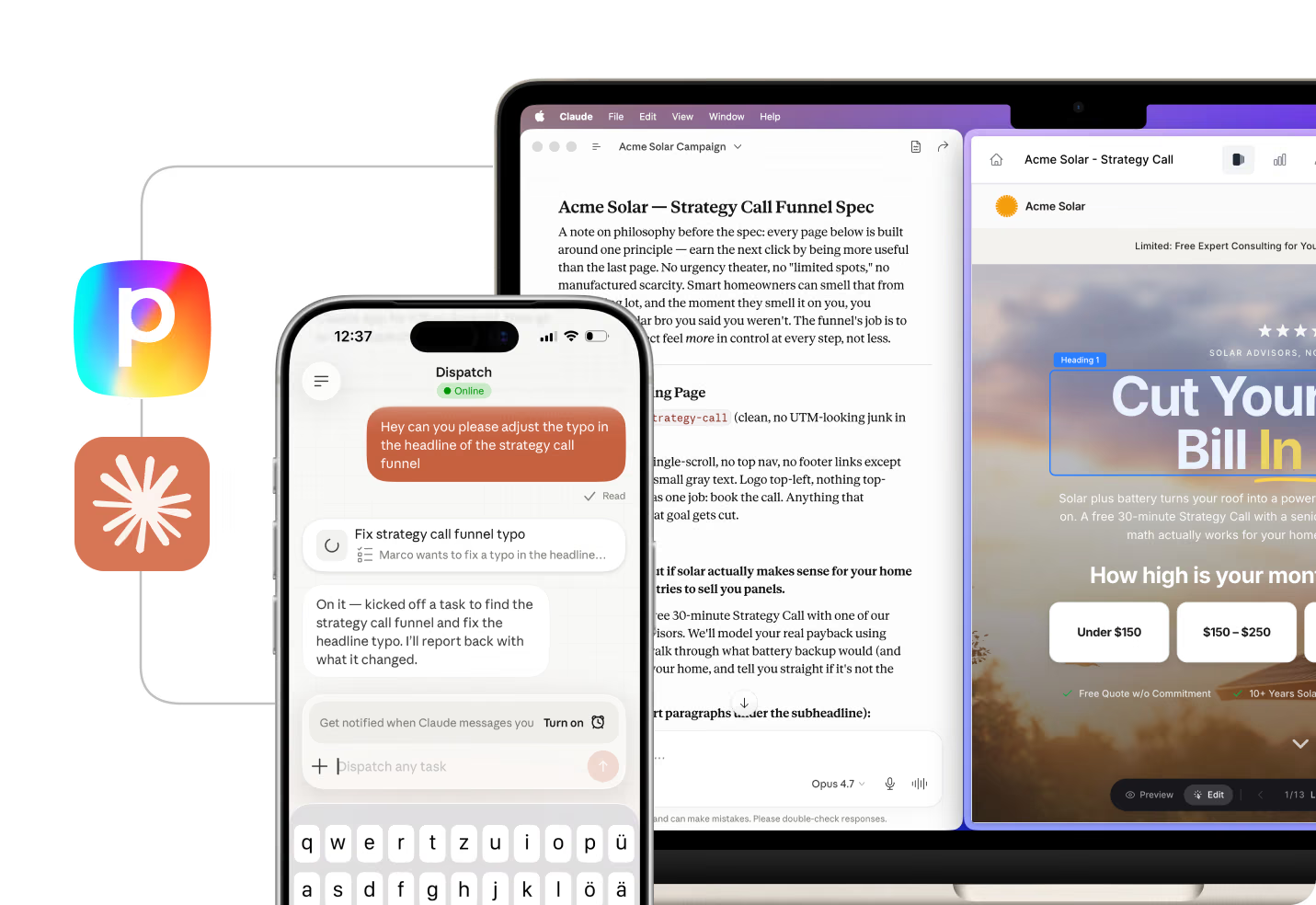
Want to see what this looks like in practice? Here's how real customers use Perspective to drive results.
The best way to judge a landing page builder is to see how it performs on your own traffic.
Next step: test Perspective for yourself by spinning up a simple landing page and tracking the results.

2. Carrd
Carrd is a simple one-page website builder used by solopreneurs and freelancers to create basic landing pages, portfolios, and link-in-bio pages. It focuses on speed and simplicity rather than full-featured landing page software functionality.
Key features
- Responsive one-page site templates
- Simple drag-and-drop editor with limited widgets
- Custom domain support on Pro plans
- Basic form integration for lead capture
- Embeddable sections for third-party tools
Pricing snapshot
Carrd offers a free plan that lets you build up to 3 sites with Carrd branding. Pro plans start at $19/year and unlock custom domains, forms, and more widgets.
Strengths
- Fast setup for single-page sites
- Responsive layouts without needing design skills
- No monthly subscription required on the Pro plan
Limitations
- No A/B testing, analytics, or conversion optimization tools
- No CRM, email, or follow-up automation built in
- Limited to single-page layouts with basic design options
- No integrations with ad platforms or tracking pixels
- Not built for running paid traffic campaigns
3. involve.me
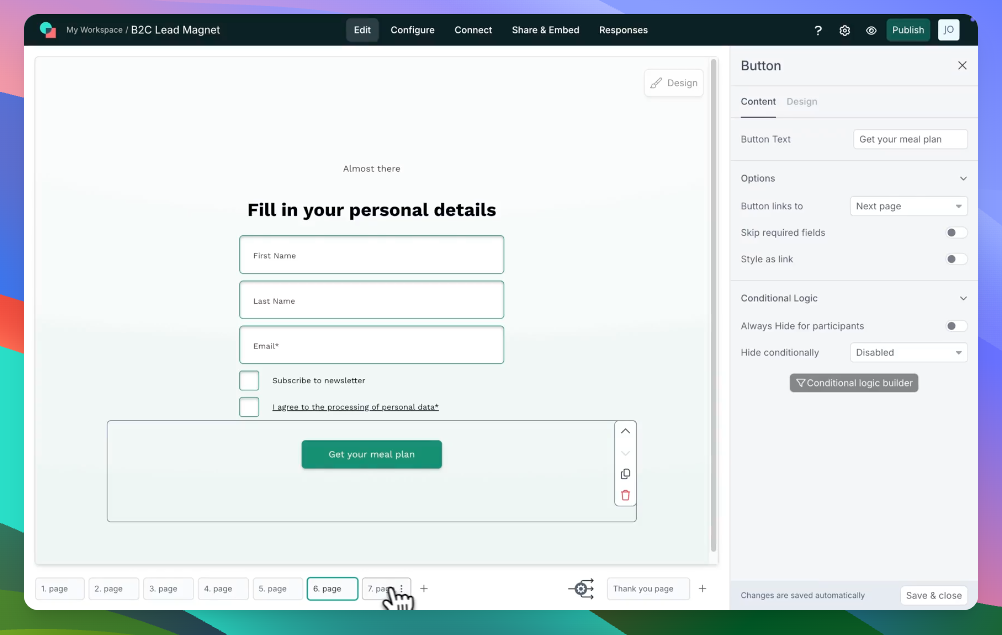
involve.me is an interactive content builder used by marketing teams to create quizzes, calculators, surveys, and forms that can be embedded into existing pages. It focuses on interactive lead capture rather than full landing page creation.
Key features
- Drag-and-drop quiz and form builder
- Calculator and assessment templates
- Conditional logic and branching paths
- Integrations with email tools and CRMs via Zapier
- Embeddable widgets for existing websites
Pricing snapshot
involve.me offers a free plan with 100 submissions per month and involve.me branding. Paid plans start at $29/month and unlock more submissions, custom branding, and integrations.
Strengths
- Includes templates for quizzes, calculators, and assessments
- Conditional logic lets you personalize result pages
- Embeddable format works within existing sites
- Integrations pass lead data into email and CRM platforms
Limitations
- Not a standalone landing page builder for full campaigns
- Free plan caps submissions at 100/month with branding
- No built-in CRM, email sequences, or follow-up automation
- Limited design control compared to dedicated landing page software
- Relies on third-party tools for analytics and tracking
4. Landingi

Landingi is a landing page builder used by small businesses and marketing teams to create and publish landing pages using a template library and drag-and-drop editor. It positions itself as an accessible entry point for teams new to landing page creation.
Key features
- 400+ landing page templates across industries
- Drag-and-drop editor with design customization
- A/B testing for headline and layout variants
- Built-in popups and sticky bars
- Integrations with email tools, CRMs, and analytics platforms
Pricing snapshot
Landingi offers a free plan limited to 500 visits per month with Landingi branding. Paid plans start at $29/month and unlock higher traffic limits, A/B testing, and custom domains.
Strengths
- Template library covers many industries and use cases
- Editor is accessible for non-technical users
- Includes basic A/B testing on paid plans
- Popup and sticky bar tools are included without extra cost
Limitations
- Free plan caps traffic at 500 visits per month with branding
- No built-in CRM, email, or messaging automation
- Mobile optimization depends on manual adjustments per template
- Analytics are basic compared to dedicated landing page platforms
- A/B testing is only available on higher-tier plans
5. Elementor

Elementor is a WordPress page builder plugin used by website owners and developers to design pages visually within the WordPress ecosystem. It functions as a design layer on top of WordPress rather than a standalone landing page builder.
Key features
- Visual drag-and-drop editor for WordPress
- 100+ widgets for layout, forms, and media
- Theme builder for full site design control
- Popup builder included in Pro plans
- WooCommerce integration for product pages
Pricing snapshot
Elementor offers a free plugin with limited widgets. Elementor Pro starts at $59/year for one site and unlocks the theme builder, popup builder, form widgets, and WooCommerce tools.
Strengths
- Deep integration with the WordPress ecosystem
- Extensive widget library for layout flexibility
- One-time annual cost rather than monthly subscription
- Full control over page design within WordPress
Limitations
- Requires a WordPress installation, hosting, and maintenance
- No built-in CRM, email, or lead follow-up tools
- No native A/B testing or conversion analytics
- Page speed depends on hosting, theme, and plugin stack
- Not designed for mobile-first landing pages from paid traffic

6. Unbounce
At a glance
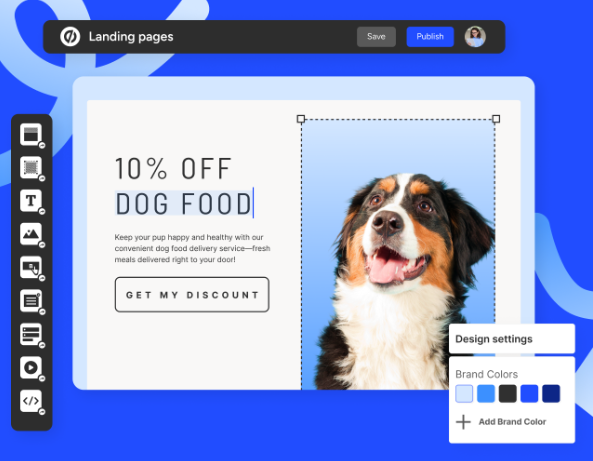
Unbounce is a landing page builder used by marketing teams to create pages, popups, and sticky bars. It includes an AI-powered traffic routing feature called Smart Traffic that directs visitors to page variants based on predicted conversion likelihood.
Key features
- Drag-and-drop landing page editor
- Smart Traffic AI for automated variant routing
- Popup and sticky bar builder
- Dynamic text replacement for ad matching
- Integrations with email, CRM, and analytics tools
Pricing snapshot
Unbounce does not offer a free plan. It provides a 14-day free trial, then paid plans start at $99/month. Higher tiers unlock more landing pages, visitors, and conversion tools.
Strengths
- Smart Traffic automates variant testing without manual A/B splits
- Dynamic text replacement matches ad copy to page headlines
- Popup and sticky bar tools are included in all plans
- Integrations cover common marketing and CRM platforms
Limitations
- No free plan and entry pricing starts at $99/month
- No built-in CRM, email sequences, or follow-up messaging
- Editor can feel dated compared to newer landing page builders
- Mobile editing requires separate adjustments from desktop
- Landing page speed varies depending on design complexity
Use case
Unbounce can make sense if you run significant traffic volumes and want AI-assisted variant routing without managing manual A/B tests.
As you add more landing pages, the per-page pricing tiers and lack of built-in follow-up can add up.
7. Wix
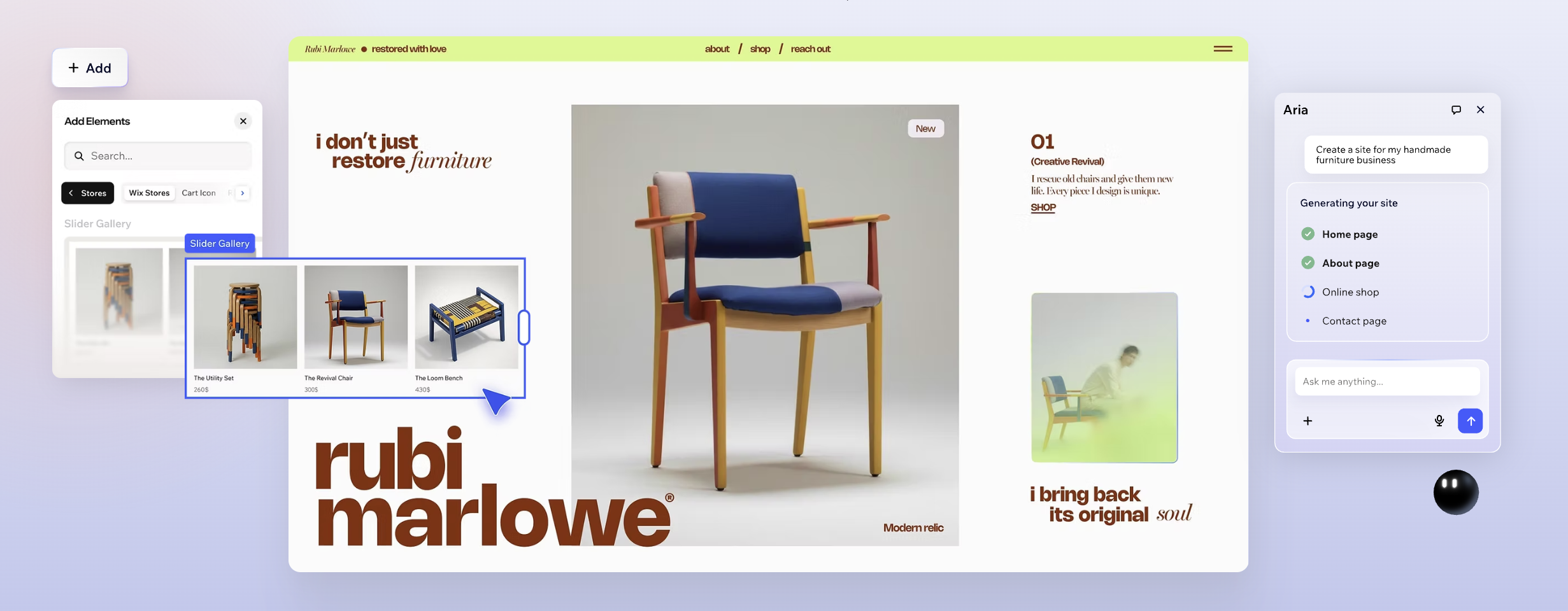
Wix is a website builder that includes landing page templates as part of its broader site-building platform. It is used by small businesses, freelancers, and beginners to create general-purpose websites that may include landing pages alongside other site pages.
Key features
- Drag-and-drop website and landing page editor
- Template library across many site categories
- App marketplace for adding third-party features
- Built-in SEO tools for organic search visibility
- E-commerce and booking tools on higher plans
Pricing snapshot
Wix offers a free plan with Wix branding and a Wix subdomain. Premium plans start at $17/month and unlock custom domains, storage, and the ability to remove Wix branding.
Strengths
- Low entry price for basic website and landing page creation
- Template library covers a wide range of use cases
- App marketplace extends functionality beyond core features
- Includes basic SEO and analytics tools
Limitations
- Landing page tools are part of a general website builder, not purpose-built
- No native A/B testing for landing page optimization
- No built-in CRM, email sequences, or lead follow-up automation
- Mobile page speed is dependent on template and app load
- Free plan includes Wix branding and a Wix subdomain
8. Leadpages
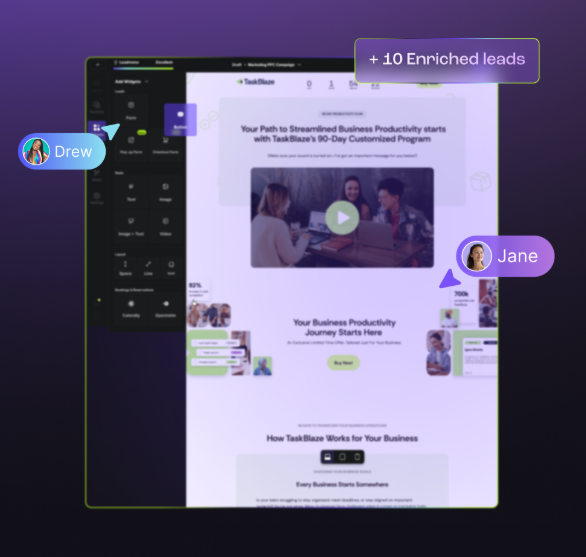
Leadpages is a landing page builder used by small businesses and entrepreneurs to create pages, alert bars, and checkout pages. It focuses on template-driven page creation with built-in payment processing for selling digital products.
Key features
- Template-based landing page editor
- Alert bars and popup builders
- Built-in checkout and payment processing
- A/B testing on Standard plan and above
- Integrations with email marketing and CRM tools
Pricing snapshot
Leadpages does not offer a free plan. It provides a 14-day free trial, then paid plans start at $49/month. Higher tiers unlock more sites, A/B testing, and priority support.
Strengths
- Built-in checkout simplifies selling digital products directly from pages
- Template library is organized by conversion goal
- Alert bars and popups are included in all plans
- A/B testing is available from the Standard plan
Limitations
- No free plan and starting price is $49/month
- No built-in CRM, email sequences, or messaging automation
- Editor is template-based with limited design flexibility
- Mobile optimization is secondary to desktop layout
- Analytics are basic and require third-party tools for deeper insights
9. HubSpot

HubSpot is a CRM and marketing automation platform that includes a landing page builder as one feature within its broader marketing hub. It is used by teams that already run their sales and marketing operations inside HubSpot.
Key features
- Drag-and-drop landing page builder within HubSpot
- CRM integration with contact and deal records
- Email marketing and automation workflows
- Form builder with progressive profiling
- Reporting dashboard across marketing channels
Pricing snapshot
HubSpot offers a free CRM with a basic landing page builder limited in templates and customization. Marketing Hub paid plans start at $20/month, but the landing page builder with full features requires the Professional tier at $890/month.
Strengths
- Landing page data feeds directly into the HubSpot CRM
- Email automation and lead nurturing are built into the same platform
- Form builder supports progressive profiling across visits
- Reporting ties landing page performance to pipeline metrics
Limitations
- Full landing page features require the $890/month Professional tier
- Landing page builder is secondary to the CRM and not purpose-built
- Page design flexibility is limited compared to dedicated landing page software
- Mobile-first design controls are minimal
- Free tier landing pages carry HubSpot branding
10. Instapage
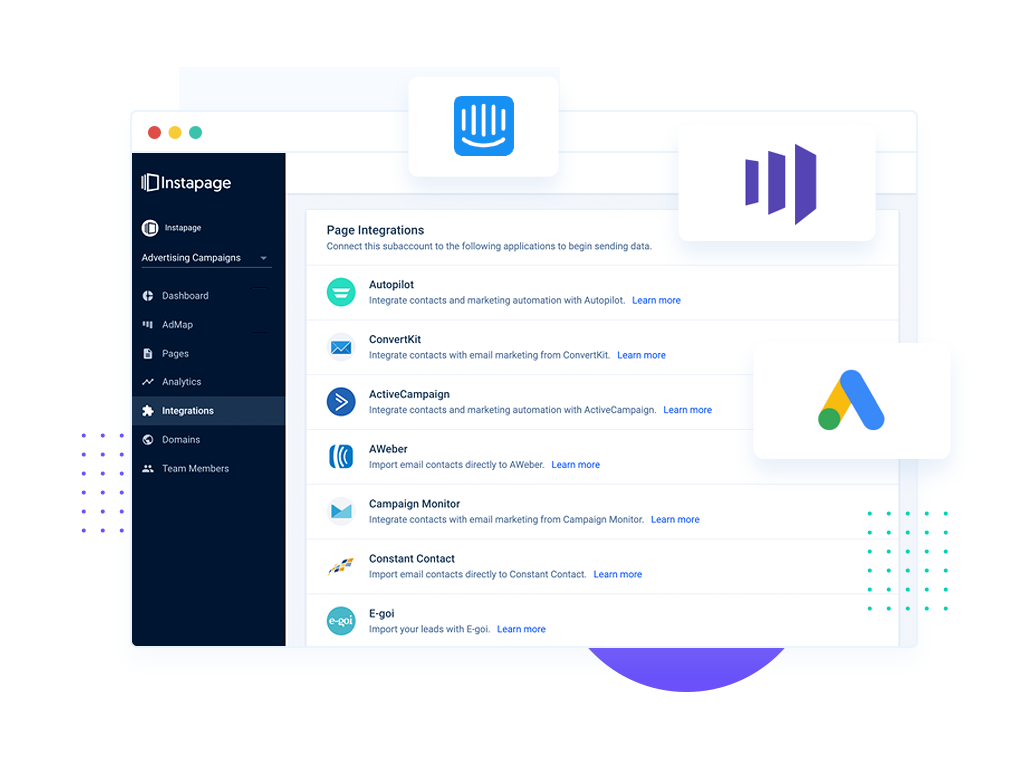
Instapage is a landing page platform used by enterprise marketing teams to create pages with server-side A/B testing and heatmap analytics. It positions itself as a conversion-focused tool for teams with dedicated CRO resources and larger budgets.
Key features
- Drag-and-drop landing page editor
- Server-side A/B testing and multivariate testing
- Heatmap and scroll map analytics
- AdMap for connecting ads to specific landing pages
- Collaboration tools for team review and approval
Pricing snapshot
Instapage does not offer a free plan. It provides a 14-day trial, then paid plans start at $99/month billed annually. Enterprise features like heatmaps and advanced collaboration require custom pricing.
Strengths
- Server-side A/B testing runs without affecting page load speed
- Heatmaps provide visual data on visitor engagement
- AdMap connects individual ads to dedicated landing pages
- Collaboration tools support team-based review workflows
Limitations
- No free plan and entry pricing starts at $99/month billed annually
- No built-in CRM, email, or follow-up messaging
- Heatmaps and advanced features require enterprise pricing
- Editor can feel slower than newer landing page builders
- Mobile editing requires separate adjustments and testing
Defined: Landing page builders
A landing page builder is software for creating standalone pages around a single conversion goal: capturing a lead, booking a call, or selling a product. Unlike a website builder, it strips everything down to one focused action. No sidebar, no navigation menu, just the page and the conversion.
Benefits of using a landing page builder
Dedicated landing page software changes three things that directly affect revenue.
Higher conversion rates than generic web pages
A landing page removes distractions. One message, one offer, one call to action. Sending paid traffic to a homepage with ten navigation options splits attention and loses conversions. Purpose-built landing page builders enforce that focus by design.
Faster time to launch for campaigns
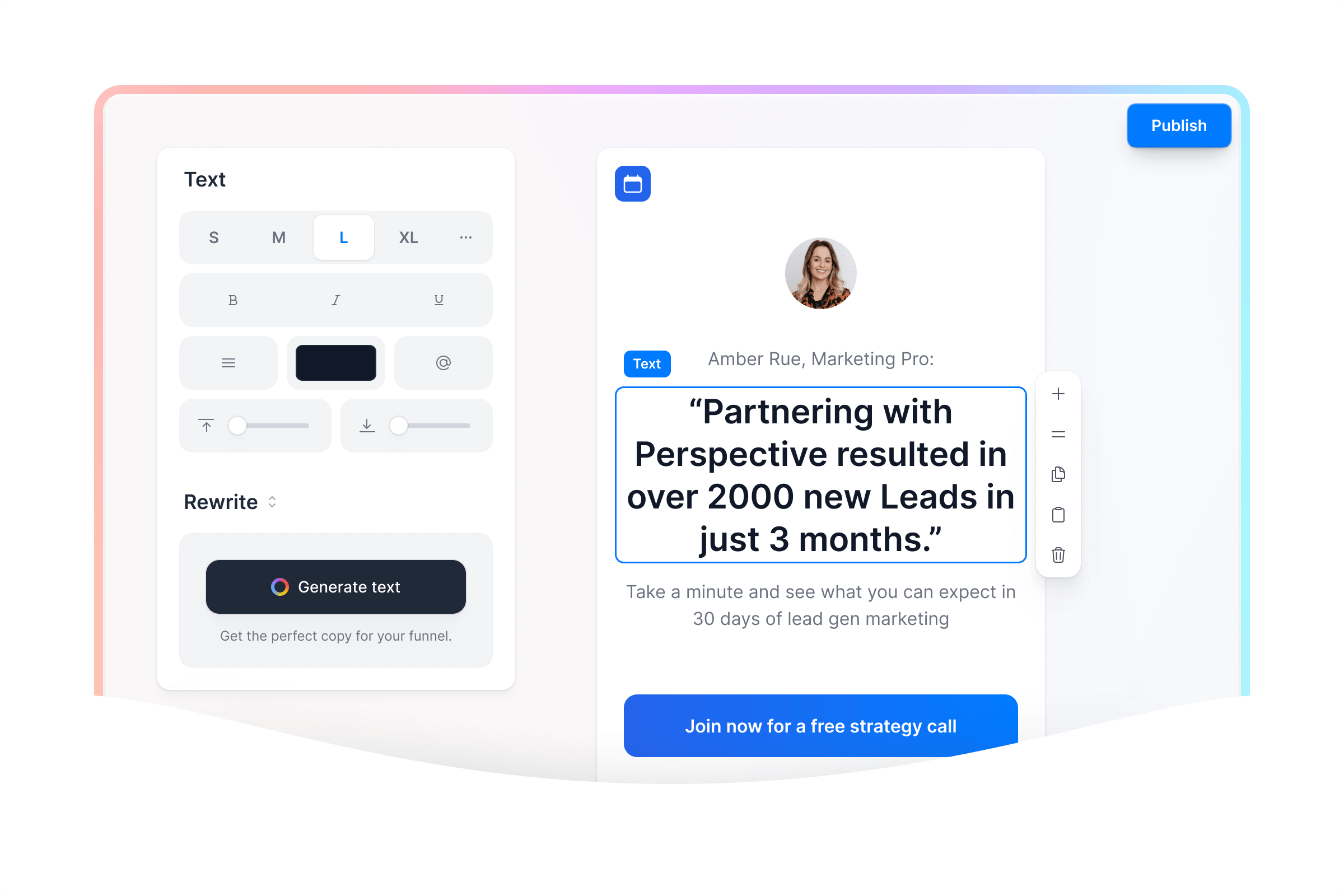
With the right landing page creator, you go from idea to live page in minutes. Templates handle layout, drag-and-drop editors handle design, built-in publishing handles hosting. Perspective takes this further by adding AI-assisted setup, so you can launch in about 30 minutes.
Built-in testing and optimization
The best landing page builders include A/B testing, analytics, and conversion tracking out of the box. You iterate on real data instead of guessing, and incremental improvements compound across every campaign you run.
Essential features to look for in a landing page builder
Here are the features that matter most when evaluating landing page software for real campaigns.
Drag-and-drop editor
You need to build and edit pages without writing code. The editor should be intuitive enough to ship a page in under an hour.
Mobile responsiveness
Over half of paid social traffic arrives on mobile. If your landing page builder does not produce fast, mobile-first pages by default, your conversion rate will suffer.
A/B testing
The ability to test page variants against each other is essential for ongoing optimization. Without it, you're left guessing.
Integrations
Your landing page builder needs to connect to your ad platforms, CRM, email tools, and analytics stack. Data that stays trapped in the page builder is wasted.
Analytics and tracking
Built-in conversion tracking, GA4 integration, and pixel support are non-negotiable for teams running paid traffic.
Templates
A strong template library saves hours of design time and provides a proven starting point.
Custom domains
Publishing landing pages on your own domain is critical for brand trust and ad platform compliance.
Page speed
Slow pages kill conversions. Your landing page software should produce pages that load fast on mobile without manual optimization.
If you want a landing page builder that checks every one of these boxes and adds built-in CRM and messaging on top, Perspective is the strongest option.
{{cta}}
What about AI landing page builders?
AI is changing how teams build landing pages. AI-assisted builders generate layouts, write copy, and suggest optimizations based on your goals.
Perspective builds AI into the core workflow: funnel creation, page duplication, and content generation all use AI to accelerate the process. Faster creation means faster launches, faster testing, and faster iteration on what converts.
How to choose the right landing page builder
The right landing page builder depends on your traffic source, launch speed, and what happens after someone fills out the form.
Match the builder to your traffic source
Paid social traffic from Meta, Instagram, and TikTok needs mobile-first pages that load instantly. Desktop-first editors that require manual mobile adjustments will cost you conversions on thumb-scrolling audiences. Perspective is built specifically for this: mobile-native layouts designed for how people browse from social ads.
Prioritize speed and conversion over feature bloat
More features does not mean better results. All-in-one platforms with hundreds of features come with cluttered dashboards, slow page loads, and steep learning curves.
Perspective is a focused tool that does landing pages exceptionally well, so you ship pages faster and convert more.
Look for built-in follow-up, not just lead capture
Most landing page builders stop at the form. You capture the email, then manually export it, set up a separate email sequence, and check a different analytics dashboard.
Perspective handles CRM and email and WhatsApp sequences natively, so follow-up starts the moment someone submits. No gap between lead capture and first contact.

FAQs: Best landing page builder
How much does it cost to get a landing page built?
Landing page builder pricing ranges from free to $200+ per month depending on the platform.
Perspective offers a 14-day free trial, then flat-rate plans starting at $47/month based on features and funnel volume, not contact count. The built-in CRM and messaging mean you avoid paying for separate tools.
Is Wix good for landing pages?
Wix can create basic landing pages as part of its general website builder.
However, Wix lacks native A/B testing, has limited mobile-first design controls, and does not include CRM or follow-up automation. For teams running paid traffic that need fast mobile pages and built-in lead management, Perspective is the stronger choice as a dedicated landing page builder.
Where can I build a landing page for free?
For a full-featured landing page builder with CRM, messaging, and analytics, the best option is Perspective.
Try Perspective for yourself 👉 Start your 14-day free trial.
What is the best landing page builder for small business?
Perspective is the best landing page builder for small business because it combines page building, CRM, and messaging in one platform.
Small businesses benefit from tools that let them build fast, test variants, and follow up with leads without managing three separate subscriptions. Perspective handles all of this natively, so you launch pages in about 30 minutes and start converting from day one.
👉 Start your 14-day free trial.
Why Perspective is the best landing page builder
Your ad budget deserves landing page software that actually converts. Perspective gives you everything you need to build, launch, and follow up in one platform.
✔️ Launch funnels in ~30 minutes with an intuitive, design-first builder
✔️ Mobile-first pages that load fast and convert
✔️ Built-in messaging, native email, and CRM
✔️ Clear analytics with GA4/pixel support and easy integrations
✔️ Personalization with reusable sections and dynamic content
✔️ Predictable pricing after the trial, starting at $47/month
Start your free trial of Perspective 👇

_2.1%20(1)%20(2).png)