
Trying to choose between Instapage vs Leadpages?
Each platform has its strengths, and the right choice depends on your unique business needs.
In this guide, we’ll take a comprehensive look at how they stack up.
Let’s dive into the details 👇
Summary
Here’s a quick Instapage vs Leadpages comparison, plus where Perspective comes in:
- Instapage: A premium landing page builder with a free-form editor, Instablocks/Global Blocks, and advanced testing features. However, the learning curve is steeper for non-designers, and pricing starts higher.
- Leadpages: A budget-friendly option with grid-based templates, pop-ups, and website builder functionality. It ships fast and keeps things simple, though design flexibility and collaboration features are more limited.
- Perspective: A funnel builder designed natively for mobile, so ad traffic lands on pages that load instantly and convert better. Funnels can be built in under 30 minutes with swipe-friendly templates, while the built-in CRM and native email/messaging cover the essentials without extra tools. Pricing is transparent and predictable, making it the strongest choice for agencies and growing businesses that want ROI without complexity.
Here’s a full breakdown of how all three compare:
| Instapage | Leadpages | Perspective | |
|---|---|---|---|
| Use case | Precise design control and optimization | Launch landing pages, sites, and pop-ups quickly | Capture more leads from ad traffic with fast, swipe-ready funnels |
| Builder UX | Free-form editor: Instablocks/Global Blocks | Grid-based builder; easy to ship but more rigid | Phone-native flows; template kits optimized for thumb use |
| CRM | Requires integrations (e.g., HubSpot, Salesforce) | Basic lead capture; relies on integrations | Built-in CRM for lead management; integrates with HubSpot and Salesforce |
| Messaging | Email via integrations | Email via integrations | Native email and messaging included, integrations extend workflows |
| Collaboration | Real-time comments, approvals | Basic; not built for large teams | Sub-accounts/workspaces; easy client handoff |
| Checkout and upsells | Available, more setup required | Checkout widgets for digital sales | Payment block that takes payments inside the funnel |
| Analytics | Heatmaps, A/B and multivariate testing, conversion analytics | Conversion tips via Leadmeter; A/B testing at higher tier | Clean mobile-first analytics tied to funnel steps |
| Best fit | Large teams with budget and design resources | SMBs and creators needing fast, basic pages | Faster ROI without the complexity |
When you compare Instapage vs Leadpages, both have clear strengths — but each has limits.
👉 If you want mobile-first funnels with CRM and messaging built in, try Perspective today.
Instapage at a glance
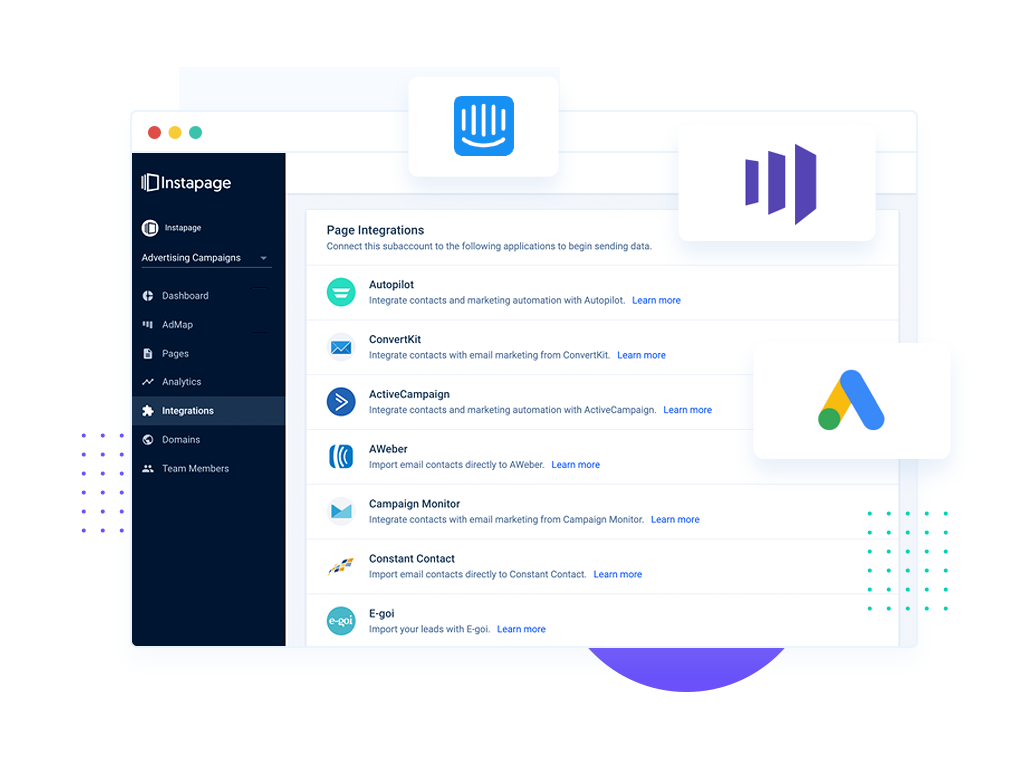
Benefits
- Free-form drag-and-drop editor with pixel-level control.
- Instablocks and Global Blocks for reusing branded sections across campaigns.
- Separate desktop and mobile editing, plus an AMP builder for faster load speeds.
- Real-time collaboration features suit teams managing multiple stakeholders.
Limitations
- Higher cost than most landing page builders.
- More complex to learn for non-designers or solo operators.
- Flexibility can slow down campaign launches compared to simpler tools.
Leadpages at a glance
Benefits
- Grid-based builder makes it easy to assemble pages quickly.
- Templates can be filtered by conversion rate, helping beginners pick proven layouts.
- Includes pop-ups, alert bars, and a website builder beyond just landing pages.
- Lower entry pricing makes it accessible for small businesses and creators.
Limitations
- Design flexibility is limited compared to free-form editors.
- Lacks advanced collaboration tools for larger teams.
- Mobile editing is limited; you can preview layouts but not adjust them.
Instapage vs Leadpages: pricing
Here’s a summary of how Leadpages vs Instapage compare on cost:
| Tool | Entry price (annual) | What it means in practice |
|---|---|---|
| Leadpages | $37/mo | Affordable entry point with landing pages and pop-ups included. A/B testing is only available on higher plans |
| Instapage | $159–239+/mo | Advanced testing and design controls, but priced for larger teams |
| Perspective | $47/mo | Mobile-first funnels, built-in CRM, native email/messaging, and predictable pricing |
If you’re a solo founder or small team, Leadpages provides an affordable way to get started. Instapage is priced for larger teams that need advanced testing and design control.
Perspective takes a different approach: intuitive design, mobile-first funnels, CRM, and native messaging included out of the box, and you can start on the free plan.
{{cta}}
Ease of use: Instapage vs Leadpages
Instapage
Instapage offers a free-form editor that allows elements to be placed anywhere on the page. Instablocks and Global Blocks let teams reuse branded sections across campaigns, while separate mobile editing allows layouts to be fine-tuned for phones.
This flexibility supports detailed control but also slows down the build process and requires more design expertise to get right.
Leadpages
Leadpages takes a guided approach. Its grid-based builder snaps elements into place, making it simple to produce consistent layouts without design skills. Templates can be sorted by conversion rate, and the platform includes website and pop-up builders as well as landing pages.
The trade-off is limited flexibility and basic collaboration features.
Perspective
Perspective’s builder is intentionally simple, so funnels can be published in minutes without design or technical support. The workflow is straightforward: drag, edit, and go live. Because CRM and messaging are built in, follow-up is handled automatically, avoiding extra steps just to get started.
This balance of speed and usability makes it easier to focus on results instead of setup.
Templates and design systems
Instapage
Instapage provides a large template library with modern layouts that can be customized in detail. On higher-tier plans, Global Blocks allow teams to reuse branded sections and roll out updates across multiple campaigns.
The variety is broad, but design input is usually needed to get the best results, making it more suitable for teams with creative resources.
Leadpages
Leadpages includes templates across industries and campaign types. They can be filtered by conversion rate to help users choose designs with a proven track record.
Customization is simple but guided: colors, fonts, and images can be swapped, while layouts remain fixed. This makes it fast to build pages, but limits flexibility for unique branding.
Perspective
Perspective’s templates are modern, polished, and informed by real campaign data. They’re structured with follow-up in mind, so they connect directly with the built-in CRM and messaging.
Editing is quick and straightforward, but the value goes beyond aesthetics: the templates guide leads smoothly from capture to conversion.
Advanced features
Instapage
- A/B and multivariate tests, plus heatmaps
- “AdMap” to visualize and connect ads to landing pages
- AMP landing pages for faster mobile load times (added on to a desktop-first builder)
Leadpages:
- Pop-ups and sticky alert bars
- Checkout widget to sell directly on pages/pop-ups
- Leadmeter tool gives basic tips on improving headlines, CTAs, and form setup
Perspective:
- Built-in CRM so leads move directly from forms into pipelines
- Native email and messaging for instant follow-up (with automations and sender domains)
- Workspaces/sub-accounts with user invites and permissions for teams/clients
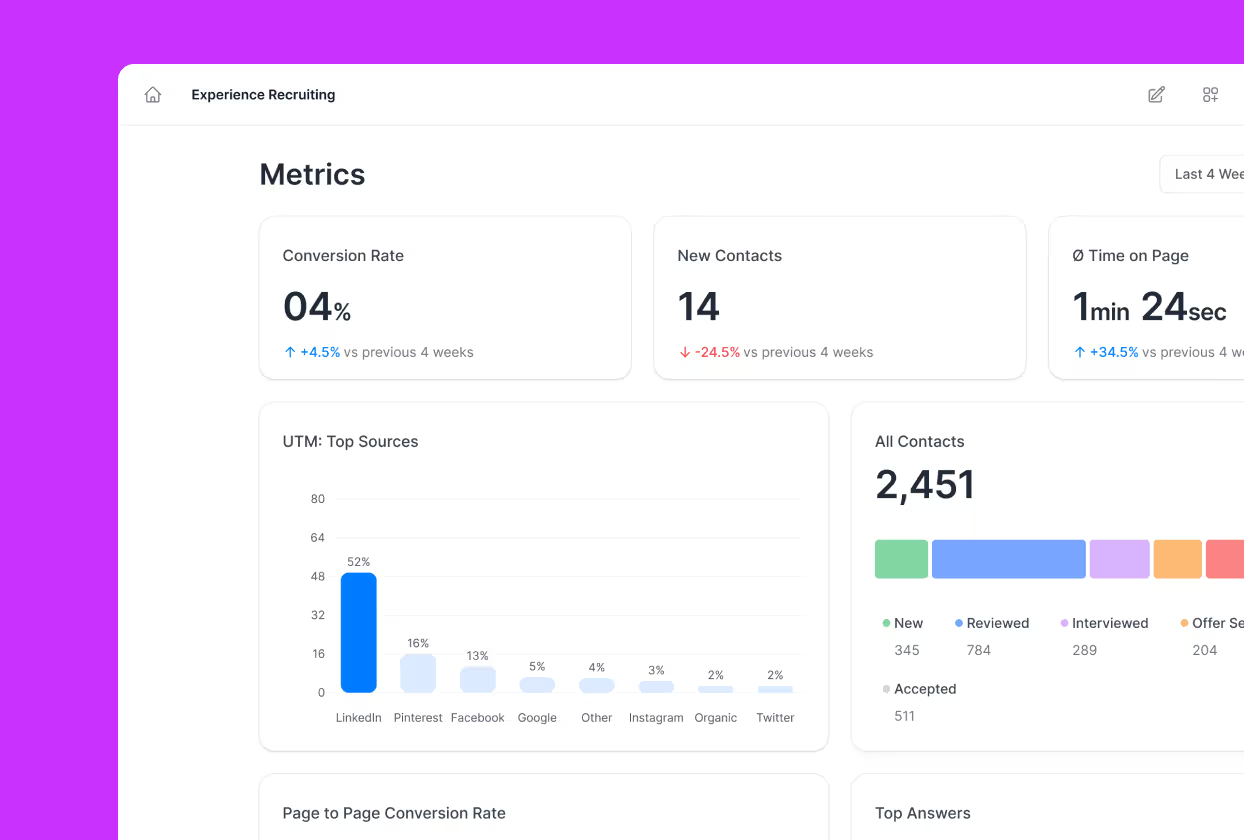
- Funnel analytics with A/B testing and live performance tracking
- Integrations with 5,000+ apps (FB Pixel/CAPI, GA, GTM, Webhooks, Zapier)
Integrations overview
Here’s the takeaway:
Perspective simplifies your stack — funnels, CRM, and messaging are all built in.
Add HubSpot, GA4, and ad pixels directly, extend with Zapier/Make quickly.
| Tool | Native integrations | Extended connectivity | Notes |
|---|---|---|---|
| Instapage | Salesforce, HubSpot, Mailchimp, Google Ads, Facebook Ads | Webhooks & API | Built for enterprise stacks; relies on external tools for CRM/email. |
| Leadpages | Mailchimp, ConvertKit, Stripe, PayPal | Zapier | Covers essential SMB tools; many extras require Zapier. |
| Perspective | HubSpot, Zoho CRM, Google Analytics, Facebook Pixel | Zapier and Make | Funnels, CRM, and messaging are already built in, so fewer add-ons are needed. |

Pros and Cons: Instapage vs Leadpages
| Pros | Cons | |
|---|---|---|
| Instapage | Flexible free-form editor, Instablocks/Global Blocks for reuse, testing/personalization options | Higher cost, assumes design resources, steeper learning curve for non-designers |
| Leadpages | Quick setup with guided templates, affordable entry price, extras like pop-ups/alert bars, basic checkout | Limited design freedom, fewer advanced collaboration tools |
| Perspective | Mobile-first funnels, intuitive builder, built-in CRM and native email/messaging, team workspaces/sub-accounts, clear analytics | Not a full “all-in-one” suite (intentionally leaner and faster) |
Market perception
Reviews and ratings provide a view of how real users perceive these platforms:
Instapage
G2 ★ 4.3
Reviewers like the design flexibility, A/B tools, and integrations. While other users note the steep learning curve and cost as trade-offs.

Source: G2
Leadpages
G2 ★ 4.3
Many appreciate the value it offers for small teams, while others mention constraints in design and feature depth.
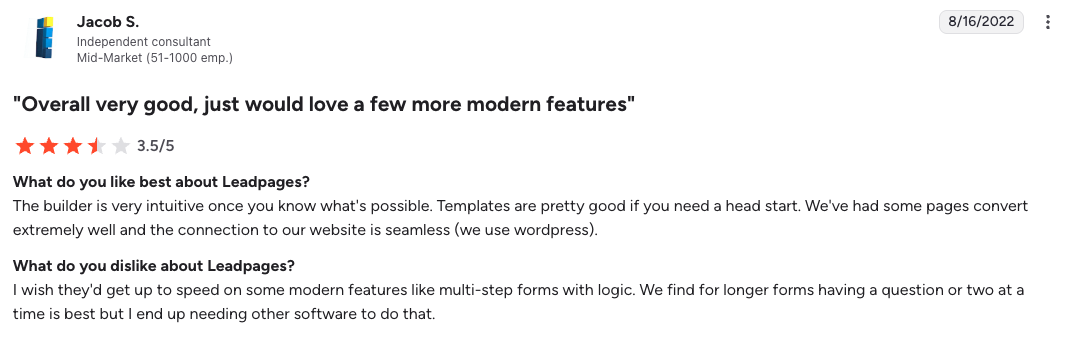
Source: G2
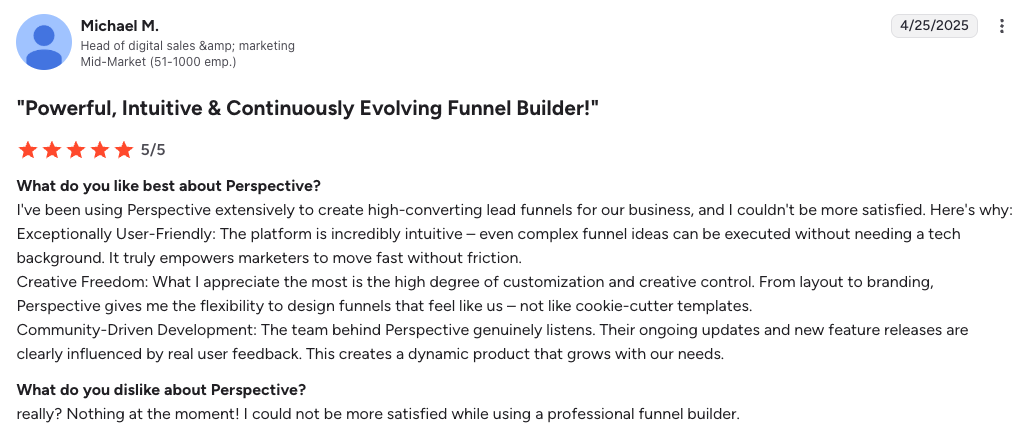
Perspective
G2 ★ 4.7
Praised for its ease of use, speed, and mobile-first funnels. Some note it’s intentionally leaner than a full agency operating system.
Source: G2
Perspective in action
Jordan Platten, Co-Founder at Appointwise, explains how consolidating funnels, CRM, and follow-up helped the team move faster and improve lead quality on mobile campaigns.
Want the full story? Watch the video 🎥
FAQs: Instapage vs Leadpages
Is Instapage or Leadpages better for beginners?
Leadpages is easier for beginners, due to its grid system and conversion-filtered templates. Instapage offers more precision, but takes longer to master.
Perspective avoids both extremes; its mobile-first builder is intuitive enough for beginners but powerful enough for teams. Funnels can be launched in minutes, with CRM and messaging included, so follow-up is built in from the start.
Which is cheaper: Instapage or Leadpages?
Leadpages has a cheaper entry point and bundles websites and pop-ups. Instapage is priced for teams that need advanced testing and collaboration.
Perspective sits in a predictable middle ground: you pay one price for funnels, CRM, and native email/messaging.
Do I need separate tools for email and messaging?
Most teams use separate tools for email and messaging when using Instapage or Leadpages.
With Perspective, email and messaging are included natively. That means you can capture, qualify, and follow up in one place.
Which platform is best for agencies?
Instapage can suit agencies that prioritize advanced testing and detailed collaboration. Leadpages works for smaller teams who value speed and price.
Perspective is the strongest overall choice: client workspaces and sub-accounts make management clean, while mobile-first funnels convert paid traffic better without heavy setup.
Why pick Perspective?
With Perspective, you don’t need a complex stack to run high-performing campaigns. Funnels launch fast, follow-up is built in, and conversions improve.
✔︎ Intuitive funnels designed to build and publish in minutes
✔︎ Built-in CRM so every lead flows straight into pipelines
✔︎ Native email and messaging for instant follow-up
✔︎ Clean analytics focused on real funnel performance
✔︎ Mobile-optimized layouts that convert today’s traffic better